macOS
Available now
macOS 13 and later, on Apple Silicon and Intel.
Version 0.1.0-beta.10 · Beta · Nov 16, 2026
Download for macOSORRERION · Download
ORRERION runs on macOS today. Windows and Linux are in development.
Available now
macOS 13 and later, on Apple Silicon and Intel.
Version 0.1.0-beta.10 · Beta · Nov 16, 2026
Download for macOSIn development
Windows 10 and 11, on x64 and Arm.
Notify meIn development
Debian, Ubuntu and Fedora, on x64 and Arm.
Notify meNew to ORRERION? The getting started guide walks through each step.
Open the disk image and drag ORRERION into Applications.
ORRERION drives the CLIs you already use. Install at least one, such as Claude Code, Codex or OpenCode, and sign in.
Start a trial on the pricing page, then paste your license key into Settings → License.
Press ⌘O to open a workspace, add your repos, and press ⇧⌘N for your first task.
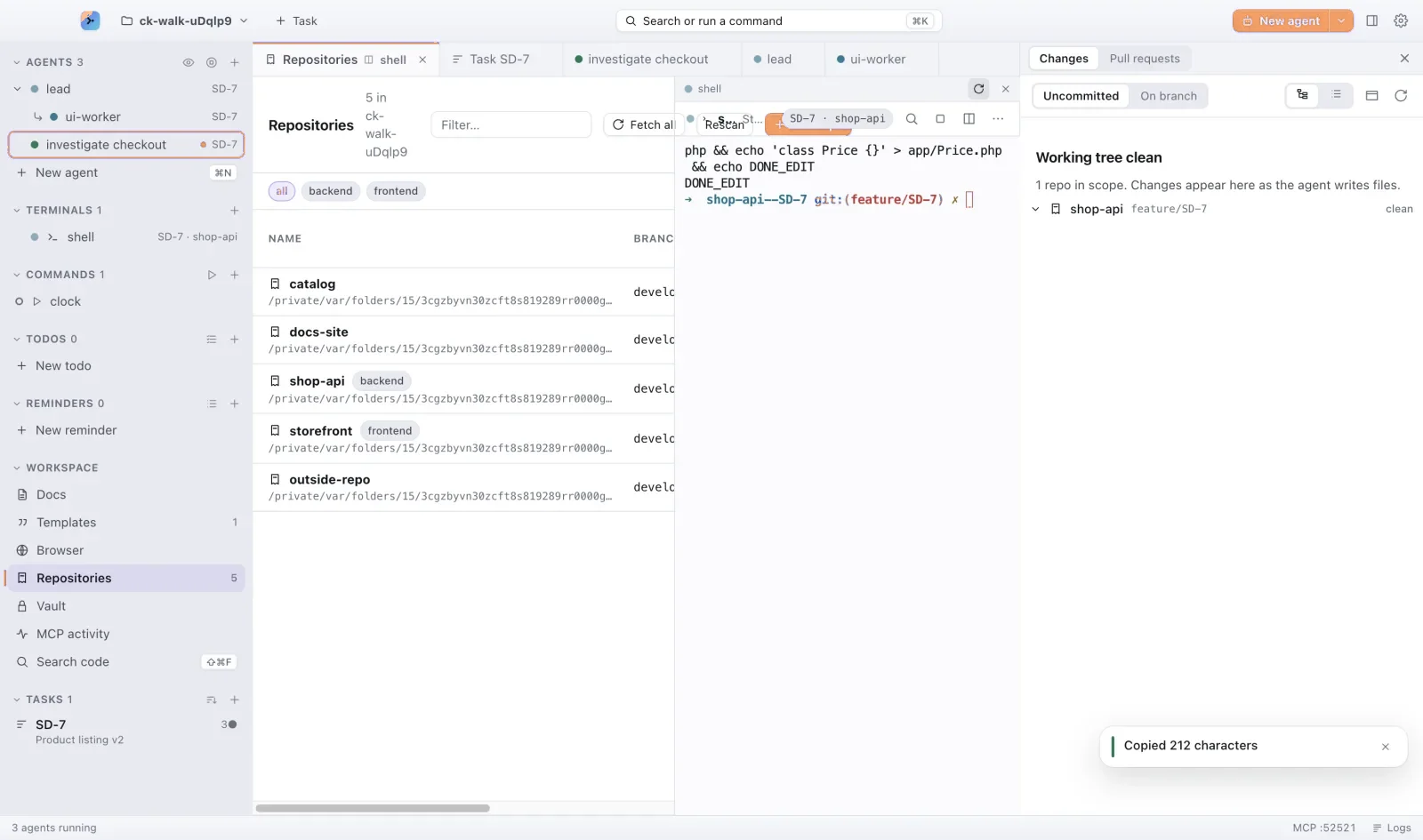
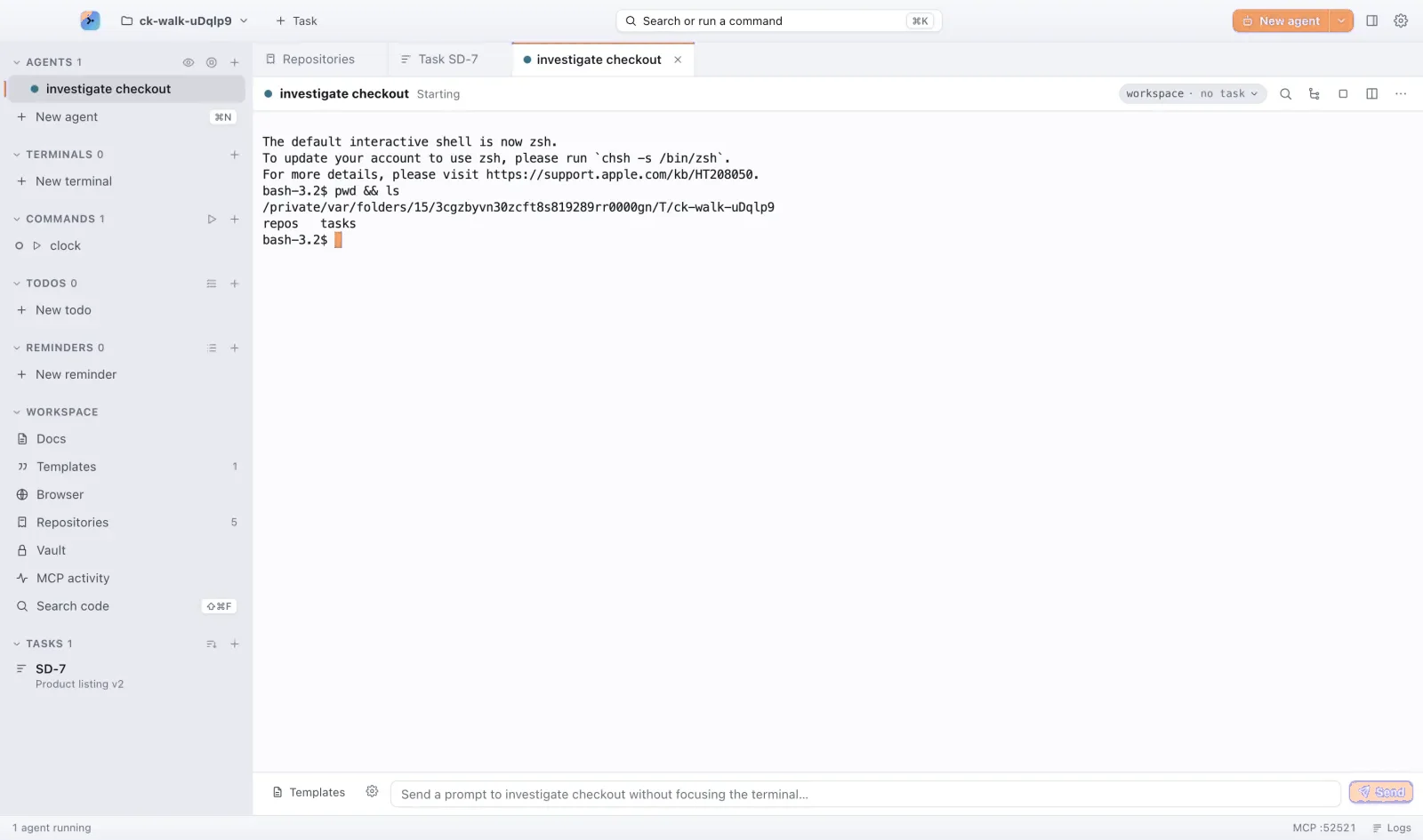
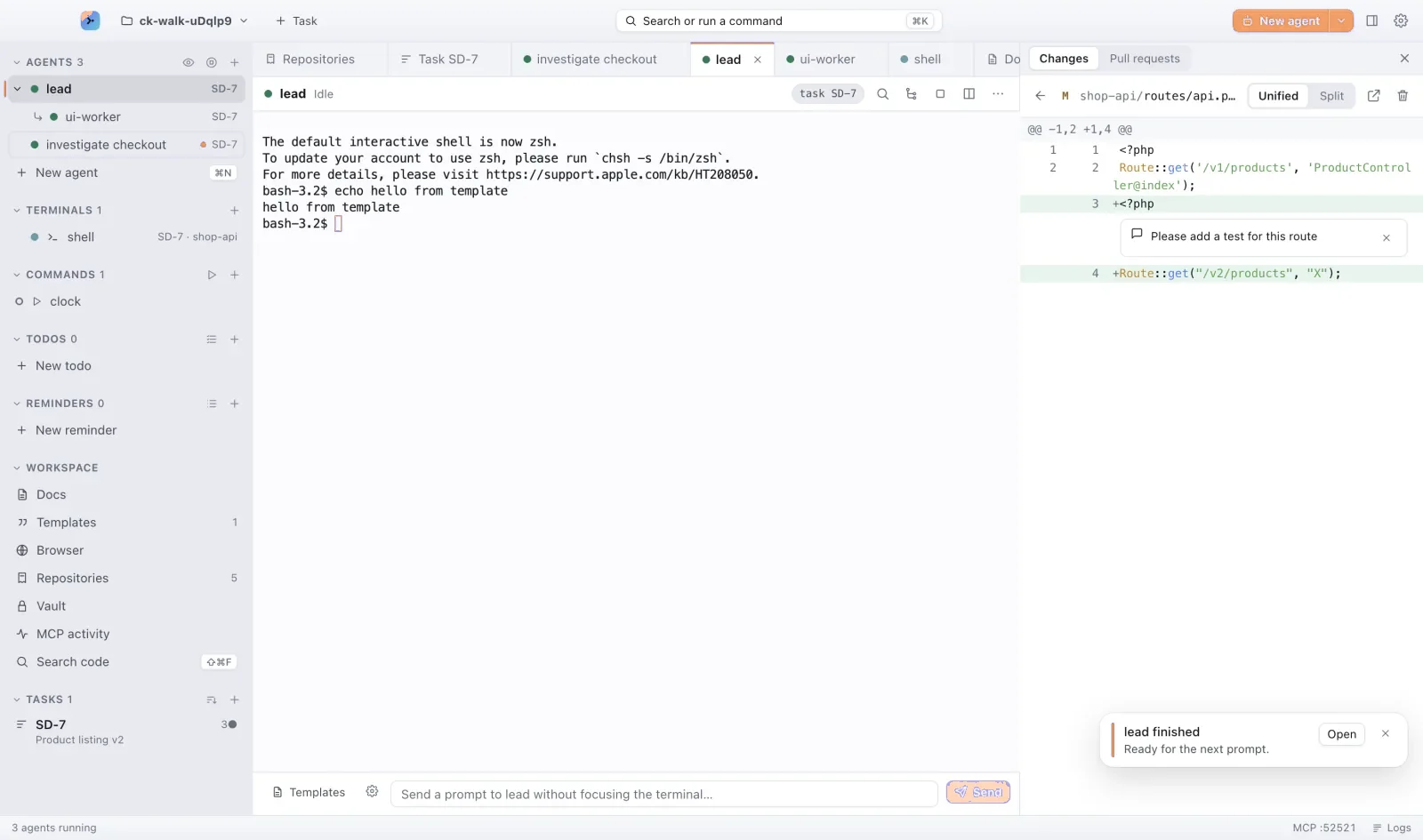
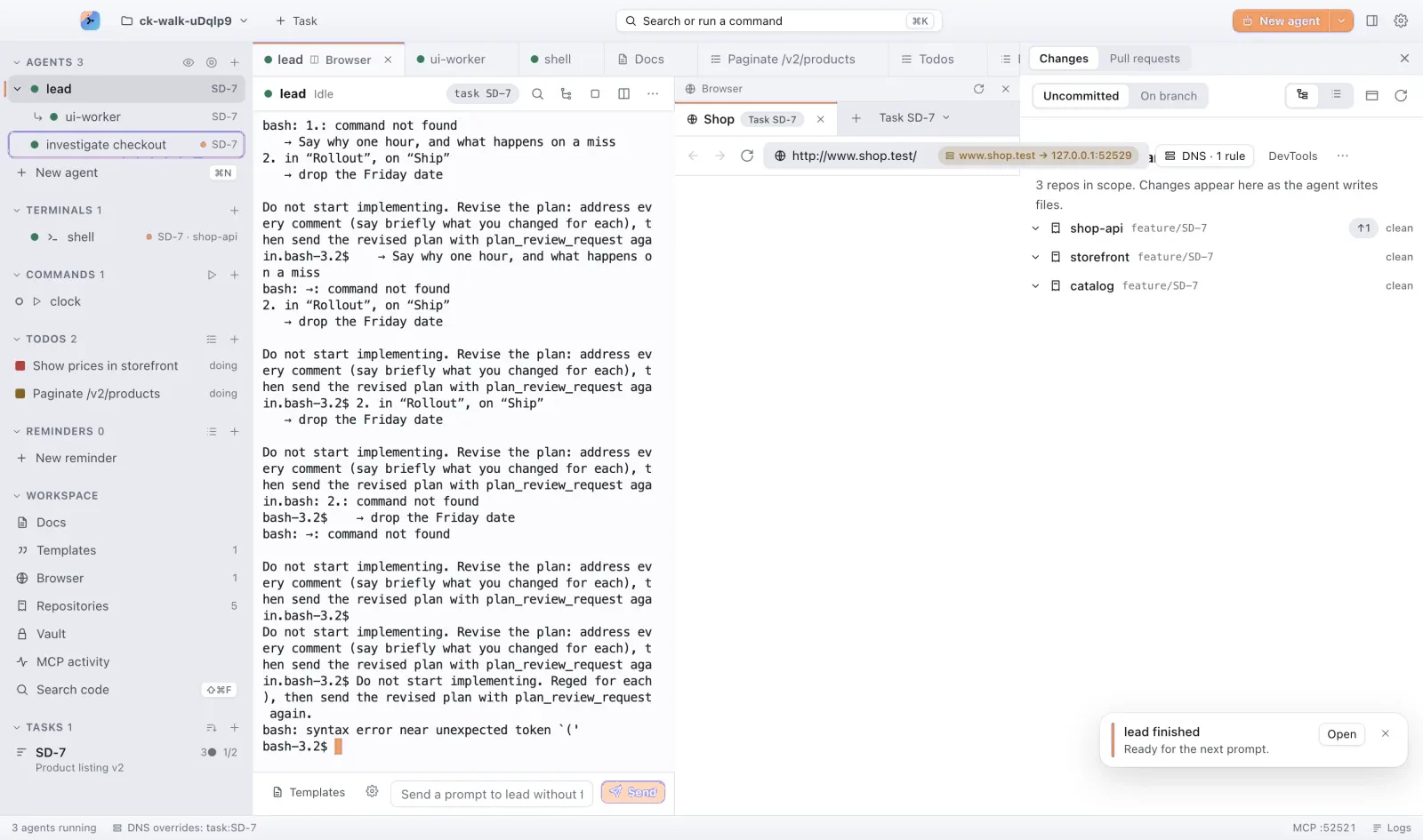
For macOS 13 and later, on Apple Silicon and Intel.