Install
Download ORRERION for macOS 13 or later (Apple Silicon and Intel), open the disk image and drag the app into Applications. Install at least one CLI agent you want to drive, such as Claude Code, Codex or OpenCode.
Activate your license
- Pick a plan on the pricing page.
- Open your account and copy your license key. It looks like
SL-XXXXX-XXXXX-XXXXX-XXXXX. - In ORRERION, open Settings → License and paste the key.
The app checks the key now and then. If a subscription lapses, the key stops working until it’s renewed.
Workspaces and repos
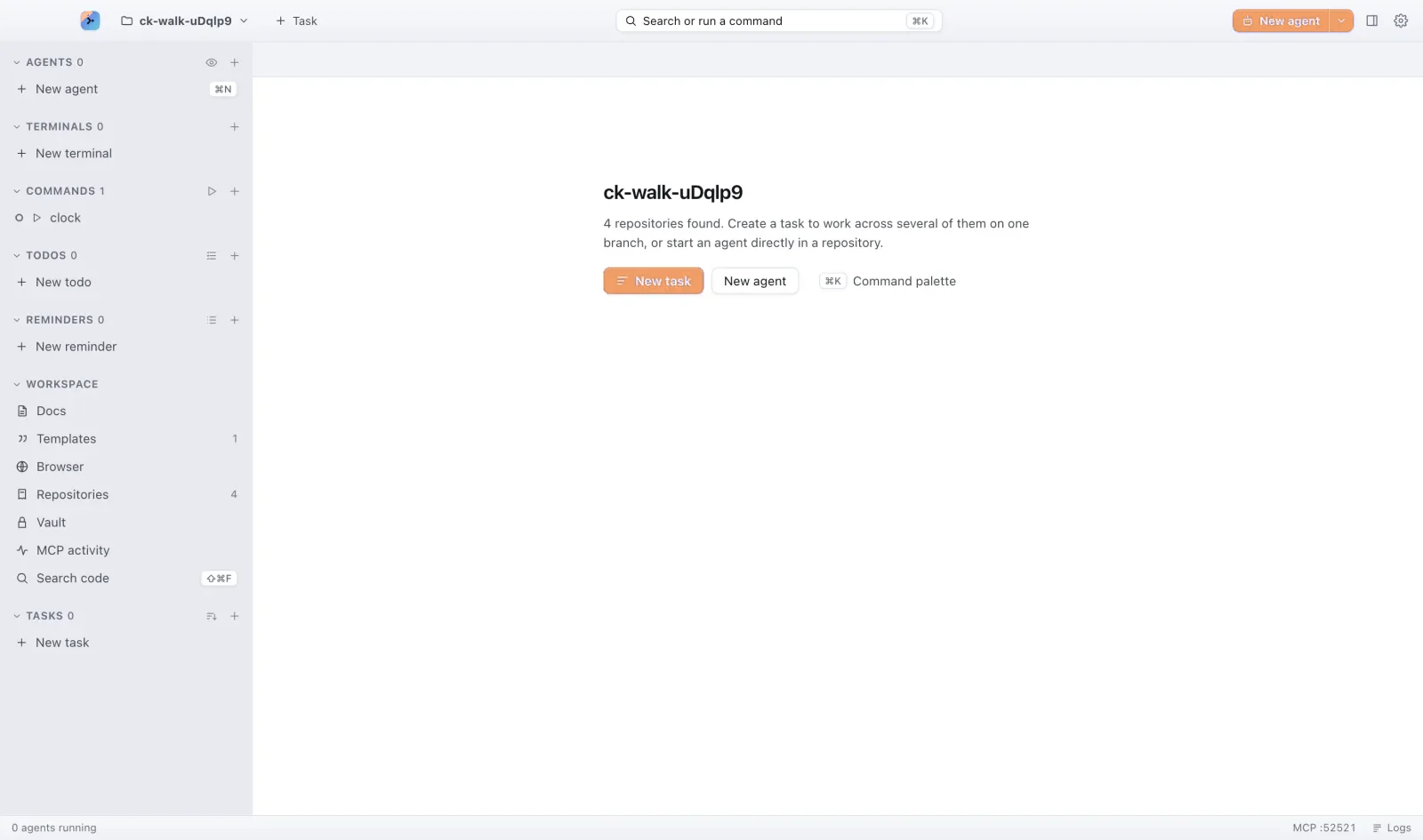
A workspace groups the repositories you work on together. Open one with ⌘O and add repos from the sidebar. Repos, tasks, terminals and todos share one sidebar, so nothing lives in a separate window.
Tasks and branches
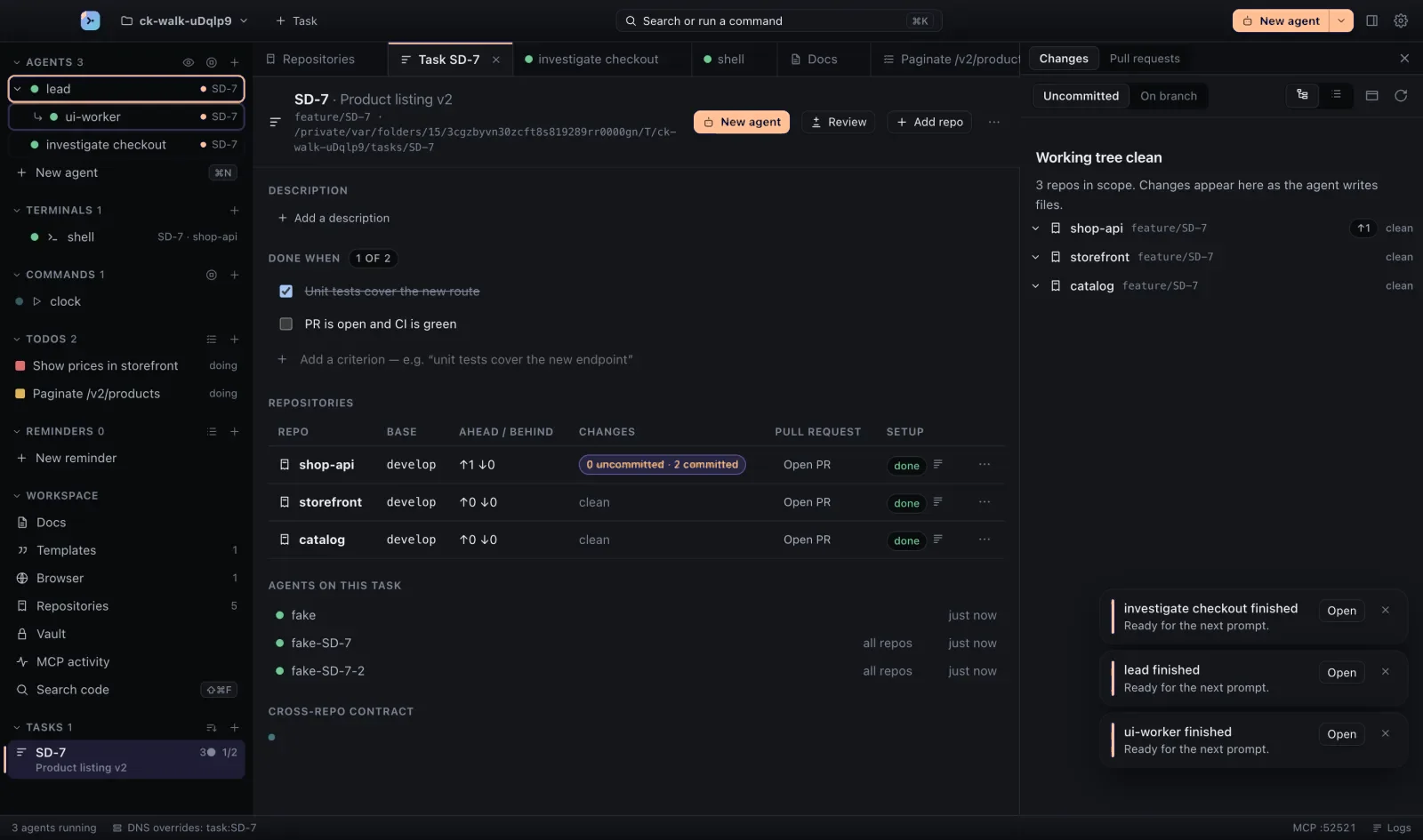
Create a task with ⇧⌘N. ORRERION creates a branch and a git worktree in every repo the task touches, so agents never trip over your main checkout or each other.
Running agents
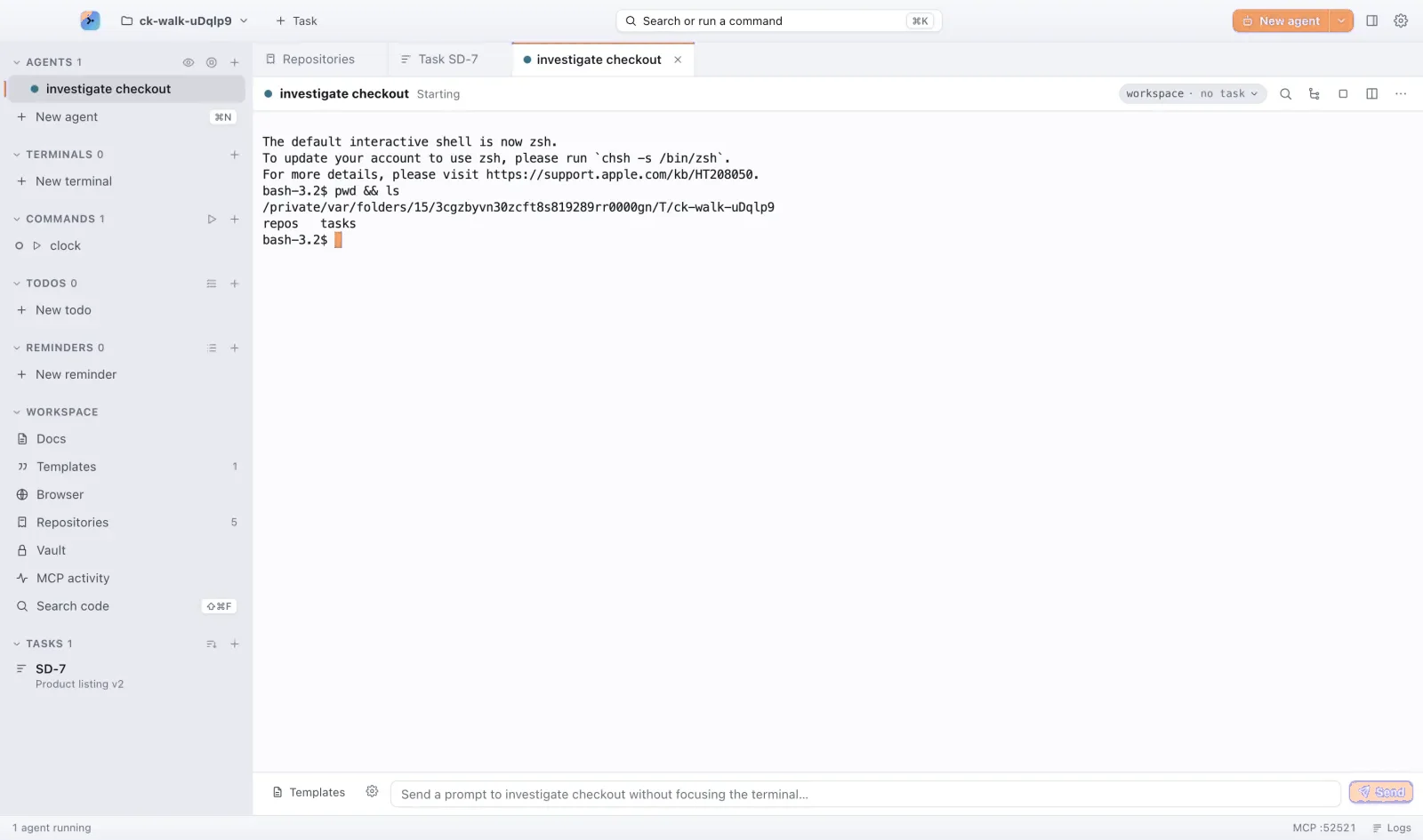
Start an agent with ⌘N. Each agent gets its own terminal and status: green when all is well, blue while busy and amber when it needs you. Split the view with ⌘D to watch two agents side by side, and jump to the next agent waiting for you with ⇧⌘J.
Reviewing changes
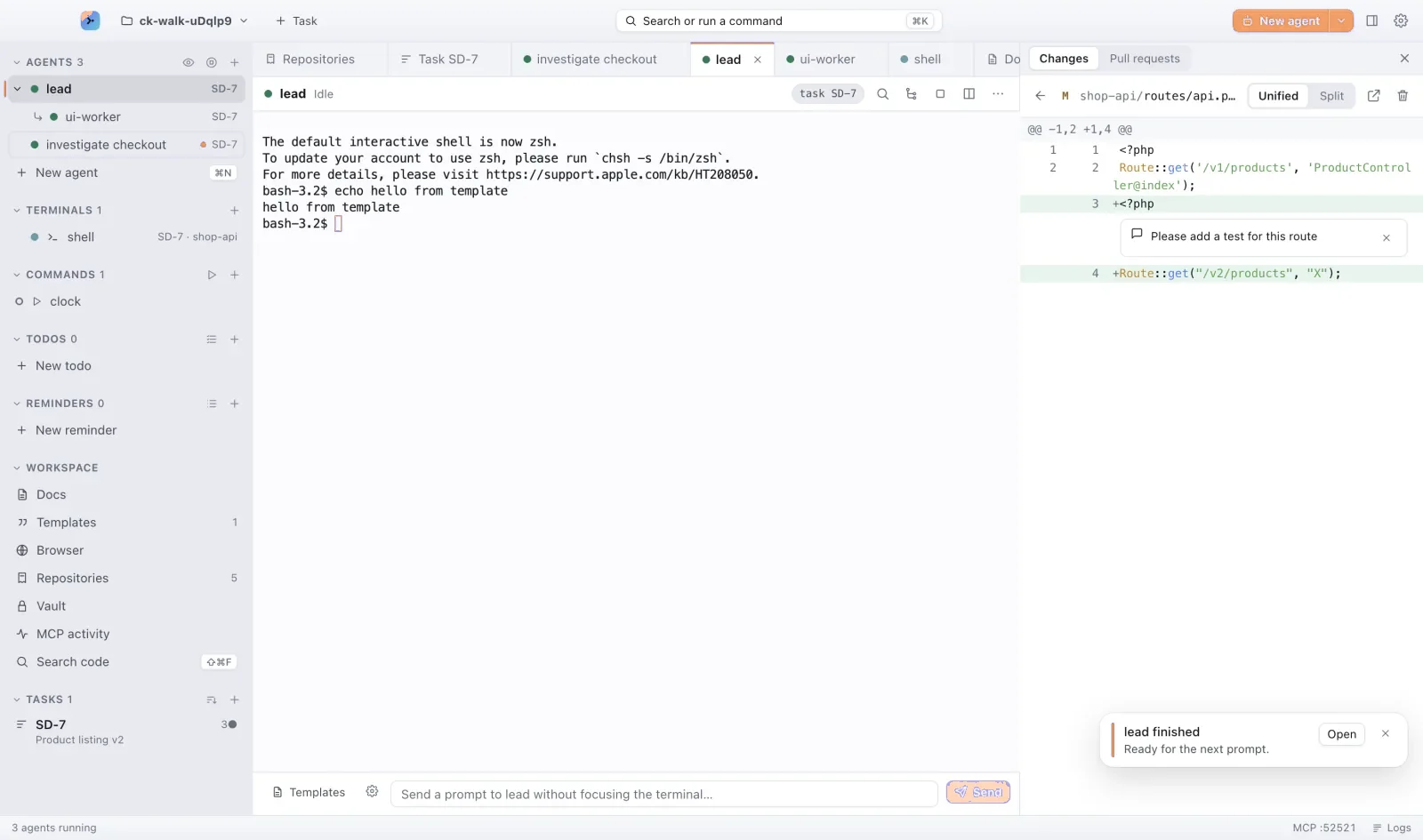
Open the review window with ⇧⌘R. Comment on any diff line and send the note straight back to the agent that wrote it. When you’re happy, commit and open a pull request without leaving the app.
The vault
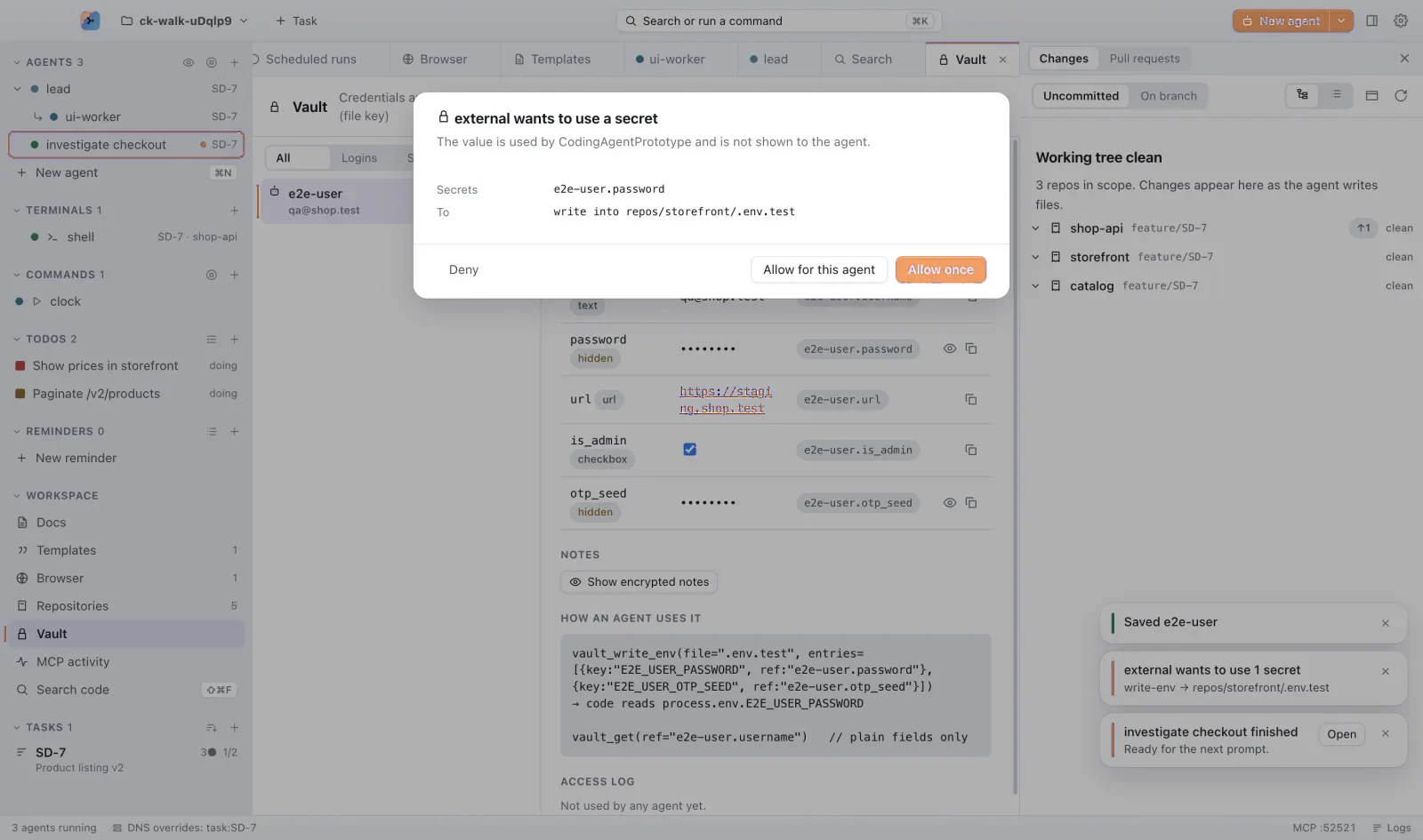
Credentials live in ORRERION’s vault. Agents request a secret by name and it’s released only after you approve. Secret values are never printed into a terminal.
Troubleshooting
- ORRERION can’t find my agent
- ORRERION starts agents from your login shell, so the CLI must be on your
PATH. Runwhich claude(orcodex,opencode) in Terminal; if it prints nothing, reinstall the agent, then restart ORRERION. - “Too many devices” when activating
- Each key works on up to 3 Macs at a time. Sign an old Mac out from your account, or wait: a Mac that hasn’t checked in for 30 days frees its seat on its own.
- My license stopped working
- Check your subscription on the billing page. If a payment failed, update your payment method and the key works again at the next check-in. The app needs to reach the internet at launch and about once a day.
- An agent is stuck
- Its lane turns amber when it’s waiting on you. Press ⇧⌘J to jump to it. To start over, stop it from the palette and use Resume a session… to continue the conversation later.
More
- MCP server: let agents orchestrate other agents, todos and docs.
- Keyboard shortcuts: everything lives behind ⌘K.
- Stuck? Contact us.